Scentsy Solo Diffuser & One Fragrance Cartridge Bundle
Effortless, Smart Home Fragrance
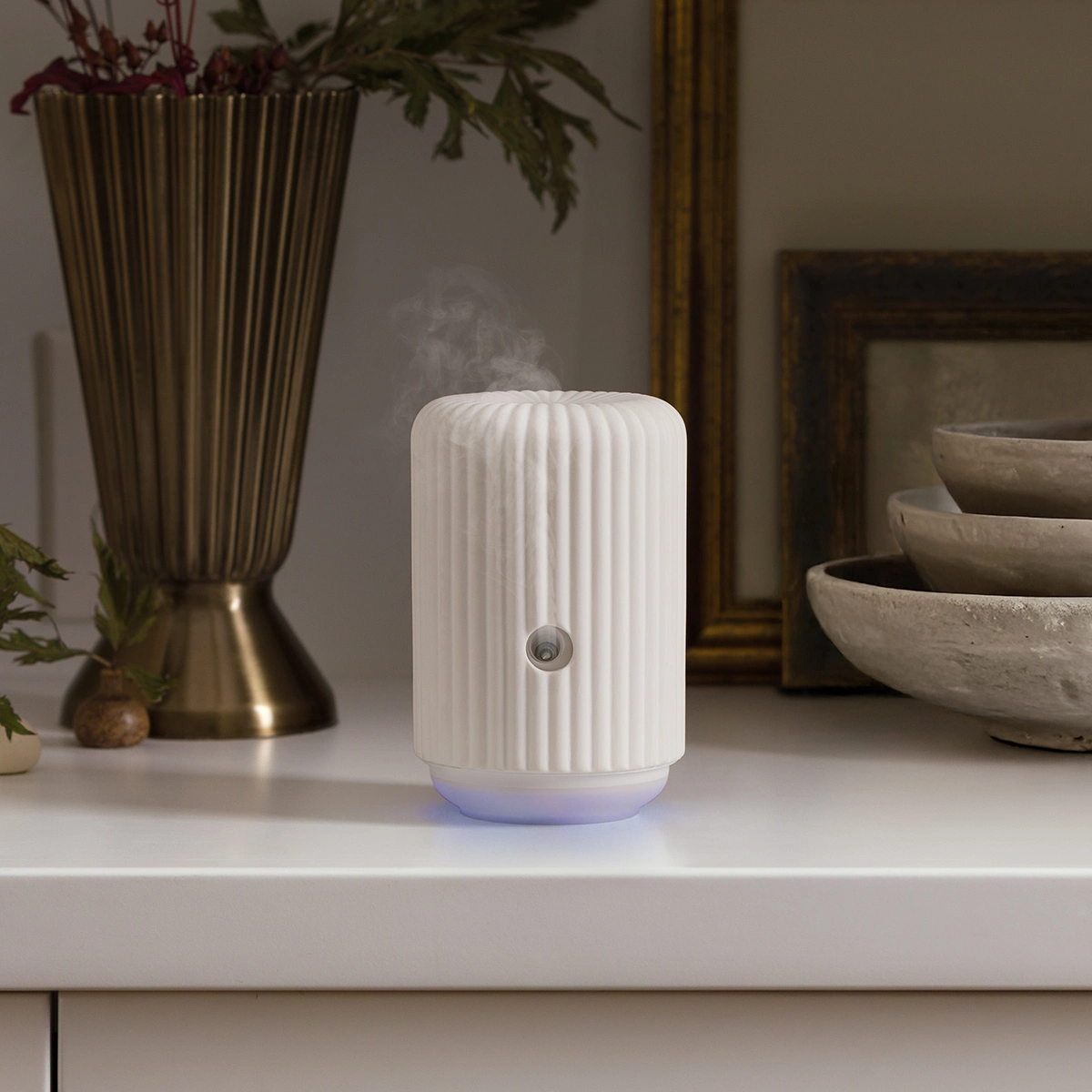
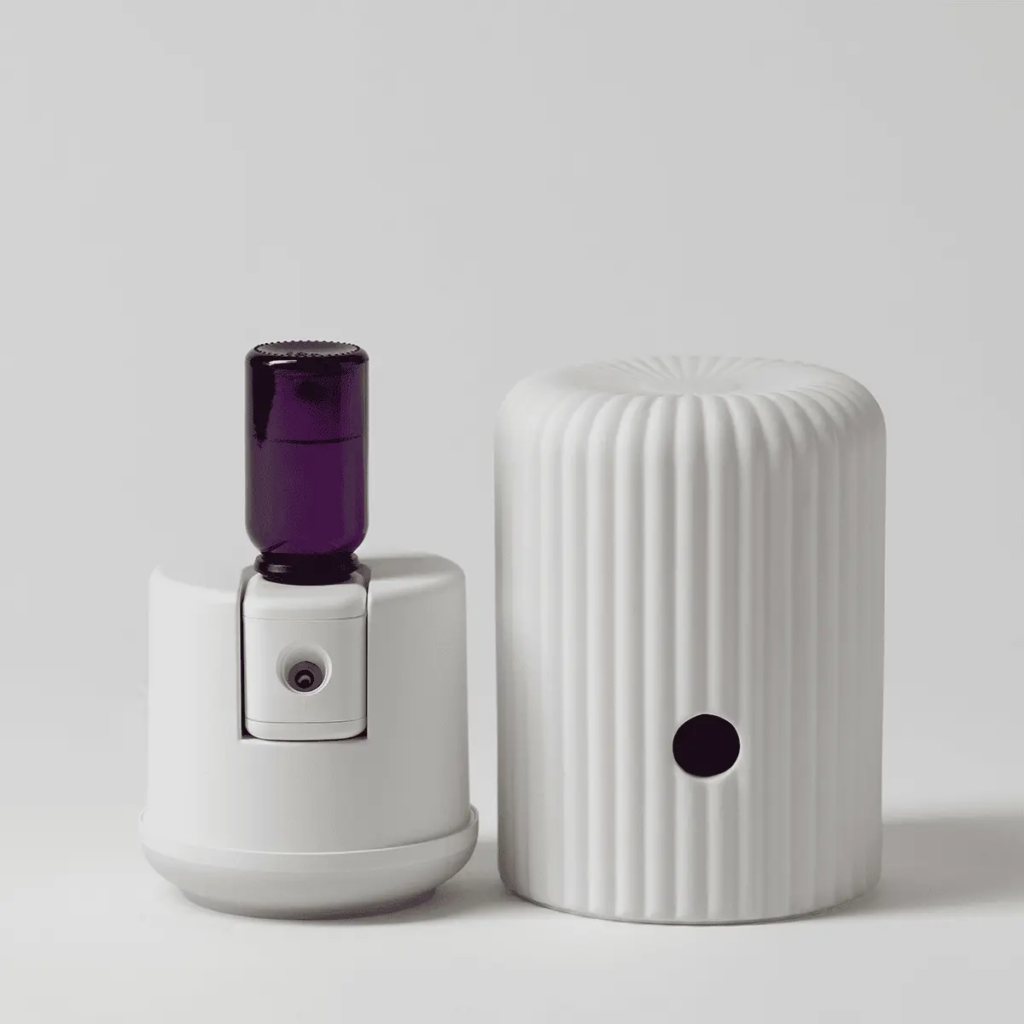
Welcome to the future of home fragrance. The Scentsy Solo Diffuser & One Fragrance Cartridge Bundle offers a customizable, consistent scent experience that schedules seamlessly around your busy life. Designed for modern living, this compact system delivers premium fragrance exactly how—and when—you want it.
Key Features and Performance
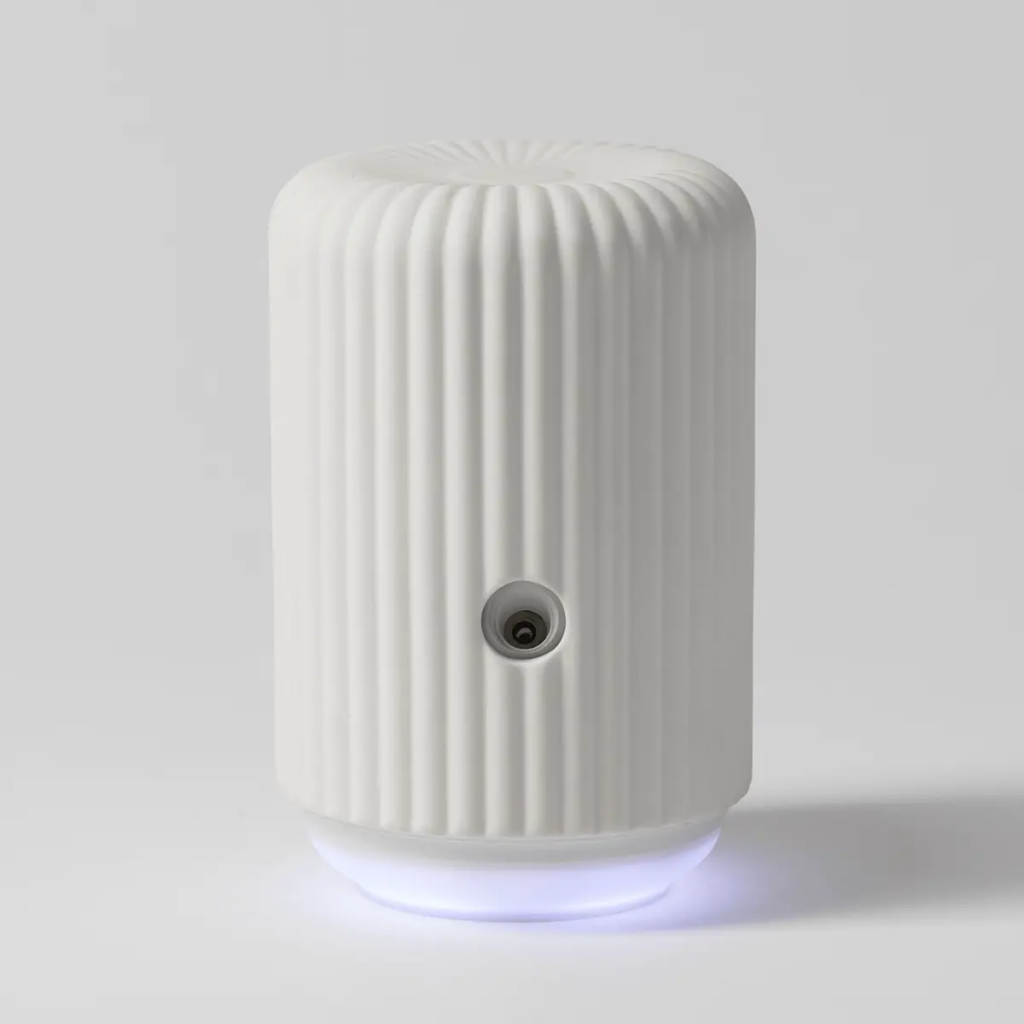
This diffuser isn’t just about incredible aromas; it is about absolute control. Perfectly sized for medium to large living spaces, it ensures your home always feels welcoming.
- Coverage Area: Effectively scents rooms between 400 and 1,000 square feet.
- Waterless Technology: Uses a 15 mL Fragrance Cartridge for clean, consistent output.
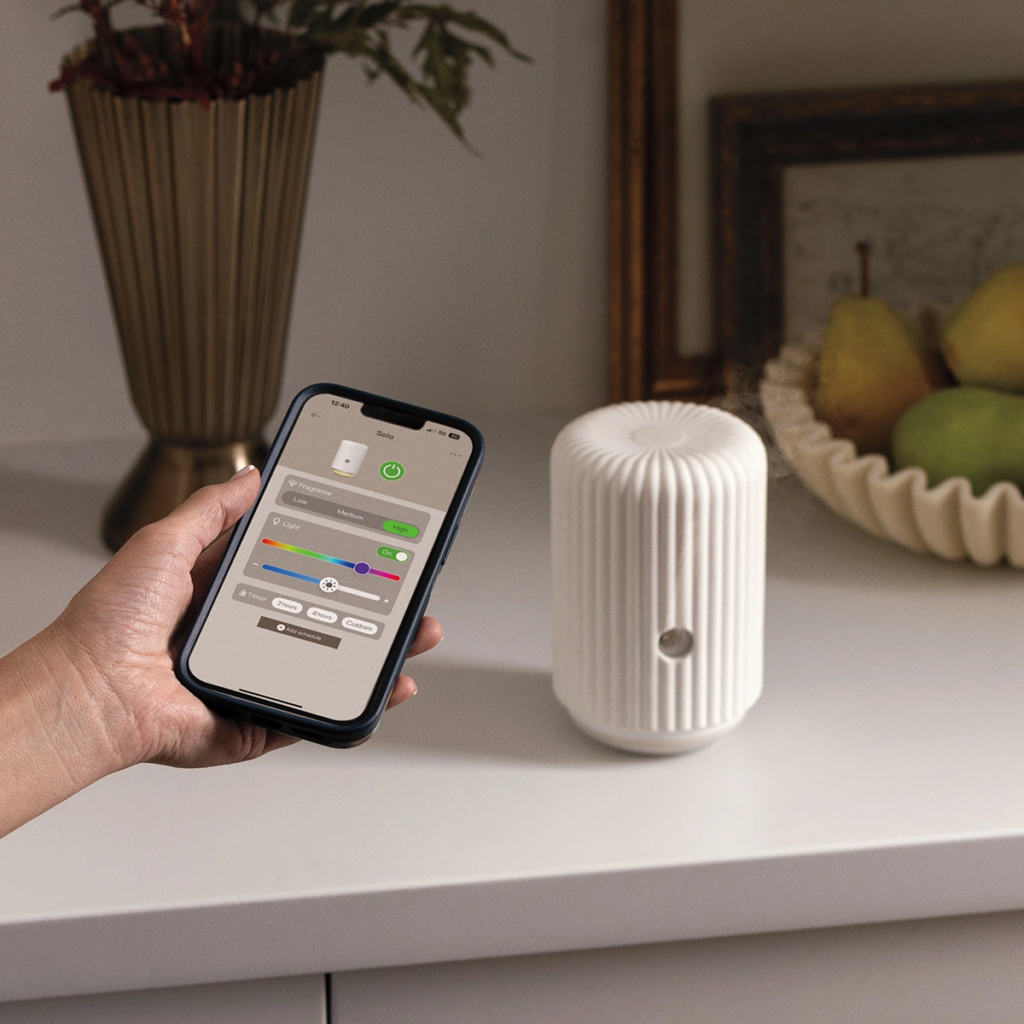
- Custom Intensity: Adjust between Low, Medium, and High fragrance levels.
- Ambient Lighting: Control light settings, including power, color, and brightness.
Total Control with the Scentsy Home App
Transform your smartphone into a fragrance command center. By connecting to a 2.4GHz Wi-Fi network, the free Scentsy Home app (available on iOS 11.0+ and Android 6.0+) unlocks the full potential of your Solo Diffuser.
- Custom Scheduling: Program your diffuser to turn on before you wake up or right before you get home from work.
- Sleep Timer: Drift off to your favorite calming scent without worrying about turning the device off.
- Family Sharing: Easily grant device access to other household members via text or email invites.
- Voice Activated: Fully compatible with Amazon Alexa and Google Home for hands-free adjustments.
(Note: The device also features physical buttons for manual use if your Wi-Fi temporarily goes down.)
Bundle includes 1 Fragrance Cartridge
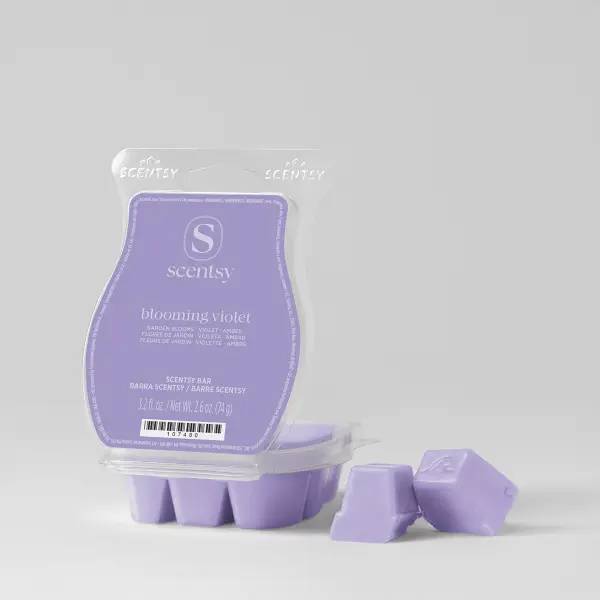
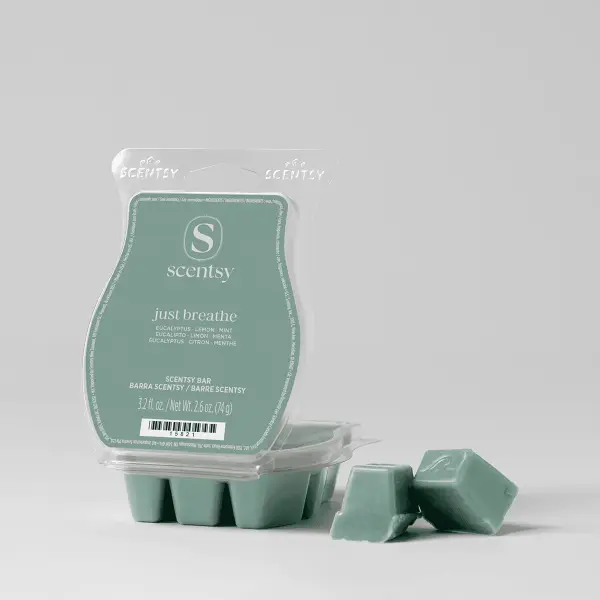
Whether you prefer fresh, floral, fruity, or masculine scent profiles, there is a cartridge tailored to your mood.
- Aloe Water & Cucumber
- Alpine Blooms
- Blue Grotto
- Blush Peony
- Clothesline
- Golden Sunflower
- Heirloom Citrus
- Just Breathe
- Luna
- Mystery Man
- Ocean Waters
- Provence Lavender
- Silky Petals
- Velvet Evergreen
- White Ember
- White Flowers
Scentsy Home App FAQ
Getting Started
What is the Scentsy Home app, and where can I get it?
Scentsy Home is the free companion app for the Scentsy Fragrance Cartridge Diffuser. You can download it from the Apple App Store or Google Play Store by searching for “Scentsy Home.”
Is the app available for both iOS and Android devices?
Yes. The app works on later iOS and Android operating systems.
Can I control my Scentsy Fragrance Cartridge Diffuser from a tablet or computer?
You can use Scentsy Home on a tablet by downloading the app. You cannot control the diffuser from a computer.
Can I control my Scentsy Fragrance Cartridge Diffuser without the Scentsy Home app?
Yes. Physical buttons on the device allow basic control. However, for full customization, scheduling, and remote access, you’ll need to use the app.
Do I need to create an account to use the app?
Yes. Creating an account lets you securely connect your device, save preferences, and access features remotely. You can sign up using an email address or link to Apple/Google accounts.
Do I need to be at home or on a Wi-Fi network to set up the app?
Yes. During initial setup, you must be near the diffuser, have Bluetooth enabled, and be connected to Wi-Fi. Once set up, you can control the device from anywhere via Wi-Fi.
Can I connect the app to my corporate Wi-Fi network at my office?
Many corporate networks have security measures that prevent smart devices from connecting. If this occurs, use the manual buttons on the device or connect through a secure home/personal Wi-Fi network.
What type of Wi-Fi network do I need?
The Scentsy Fragrance Cartridge Diffuser requires a 2.4GHz Wi-Fi network. (Not compatible with 5GHz Wi-Fi).
What is the minimum phone compatibility to run the app?
The app requires at least iOS 11.0 or Android 6.0 (Marshmallow).
Can I control my Cartridge Diffuser via Bluetooth?
No. A Wi-Fi network is required to control the device with your phone.
Using the App
What features can I control via the app?
- Turn the device on and off.
- Adjust fragrance intensity (Low, Medium, High).
- Control light settings (on/off, color, and brightness).
- Set a sleep timer.
- Set and manage custom schedules.
Can I control multiple devices from the app?
Yes. You can connect and manage multiple diffusers within one Scentsy Home account.
Can I schedule fragrance release for specific days or times?
Yes. You can create custom schedules for the device to turn on and off automatically.
Can I change the schedule remotely?
Yes. You can update schedules or control the diffuser from anywhere using the app.
Will the app show me when it’s time to replace the Fragrance Cartridge?
Not at this time.
Can I reorder products from the app?
Not at this time.
Can I share access to the Cartridge Diffuser with other family members?
Yes. Use the “Share Device” option in the menu (three dots) to send an invite via email or text.
Note: The diffuser can only be paired to one phone at a time; if another user pairs it directly, it removes the original user. To allow multiple users, you must use the “Share Device” feature.
Connectivity
How do I pair my device?
- Enable Bluetooth on your phone and connect to a 2.4GHz Wi-Fi network.
- Hold the power button on the diffuser until it flashes blue.
- In the app, go to the “Home” tab, tap “+”, and select “Add Device.”
- Select the discovered device to complete pairing.
What happens if my Wi-Fi goes down?
App control will be unavailable, but you can still use the manual buttons on the device. Control will resume once Wi-Fi is restored.
Voice Control
Can I use voice controls with Amazon Alexa or Google Home?
Yes. Enable the Scentsy skill/action. In the Scentsy Home app, select your device, go to the menu (three dots), and select “Third-party Control” to link accounts.
What features can I use voice control for?
- Amazon Alexa: Power (on/off), fragrance level (low/med/high), light (on/off, color, brightness).
- Google Assistant: Power (on/off) and fragrance level (low/med/high).
Common Voice Commands:
- “Alexa, turn my Diffuser on.”
- “Alexa, set the Diffuser fragrance level to high.”
- “Alexa, change the Diffuser light color to purple.”
Troubleshooting, Updates, and Privacy
What if my diffuser won’t pair?
Ensure it is in pairing mode (flashing blue). If it doesn’t appear, wait 5 minutes for a reset, toggle your phone’s Bluetooth off and on, and try again.
How do I reset the app?
Close and reopen the app. If issues persist, log out and back in, or delete and reinstall the app.
Does the app collect data?
The app collects limited information to ensure proper functionality and improve user experience. Details are available in the Privacy Policy within the app.